
The Buzzly App
Your buzzer, on every screen.
Push notifications, your full Buzzly dashboard, one tap away.
On iPhone, iPad, and Android.


Wherever You Are
Whichever screen is closest.
Browser
Your dashboard runs in any browser you already have, and it's built for your phone as much as your laptop. Nothing to install.
iOS & Android
Buzzly on your home screen, with push notifications the moment someone lets themselves in. Same account, nothing new to learn.
Download on App Store or Google Play
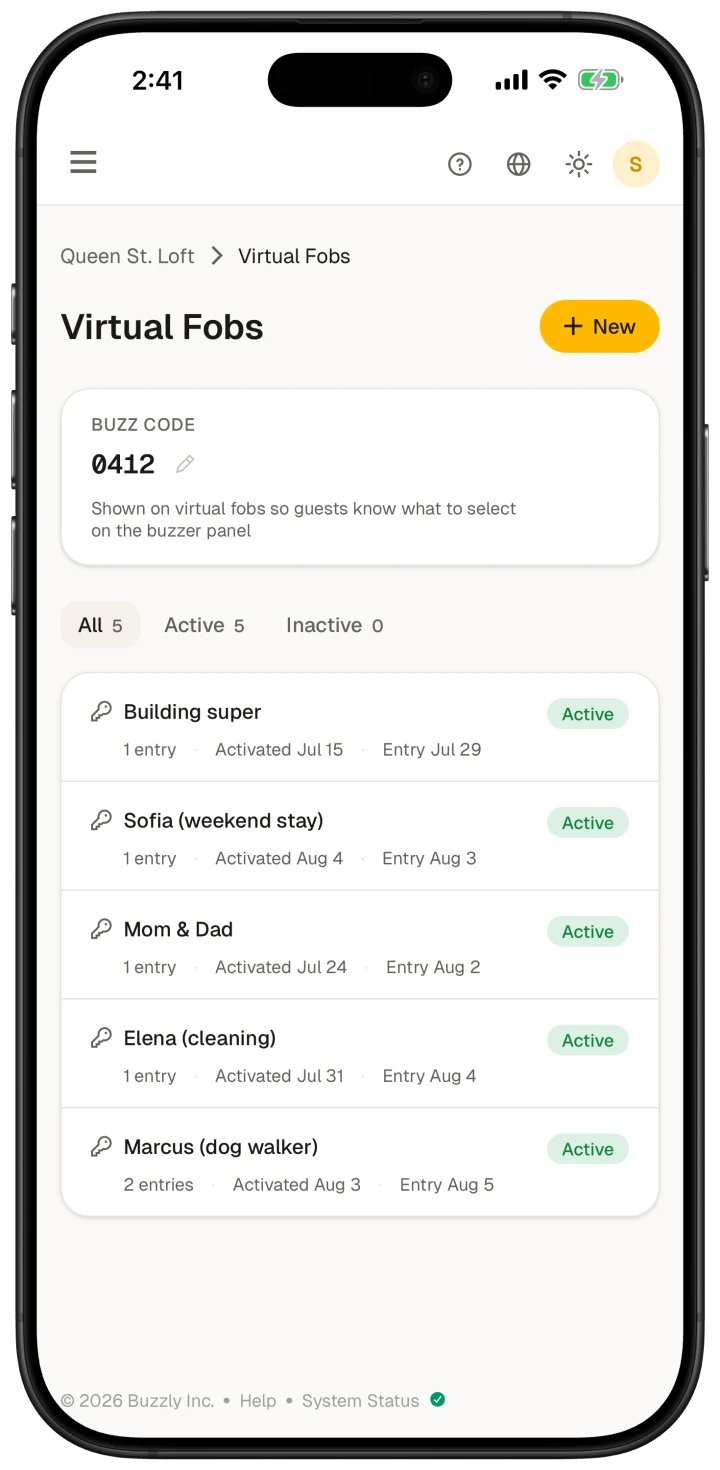
On your phone
What you get in your pocket.
A buzz on your lock screen
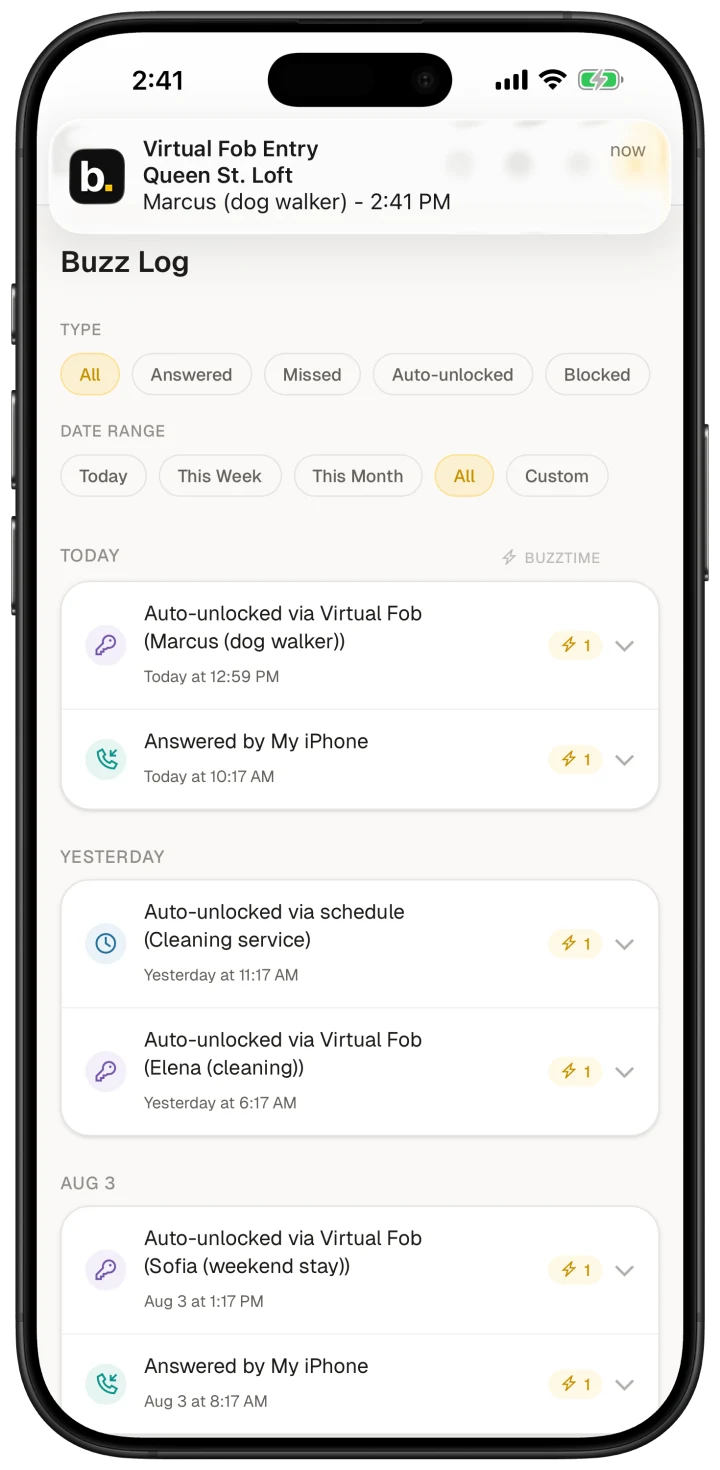
A push notification the second a Virtual Fob is used, or a schedule you set lets someone in.
One tap from your home screen
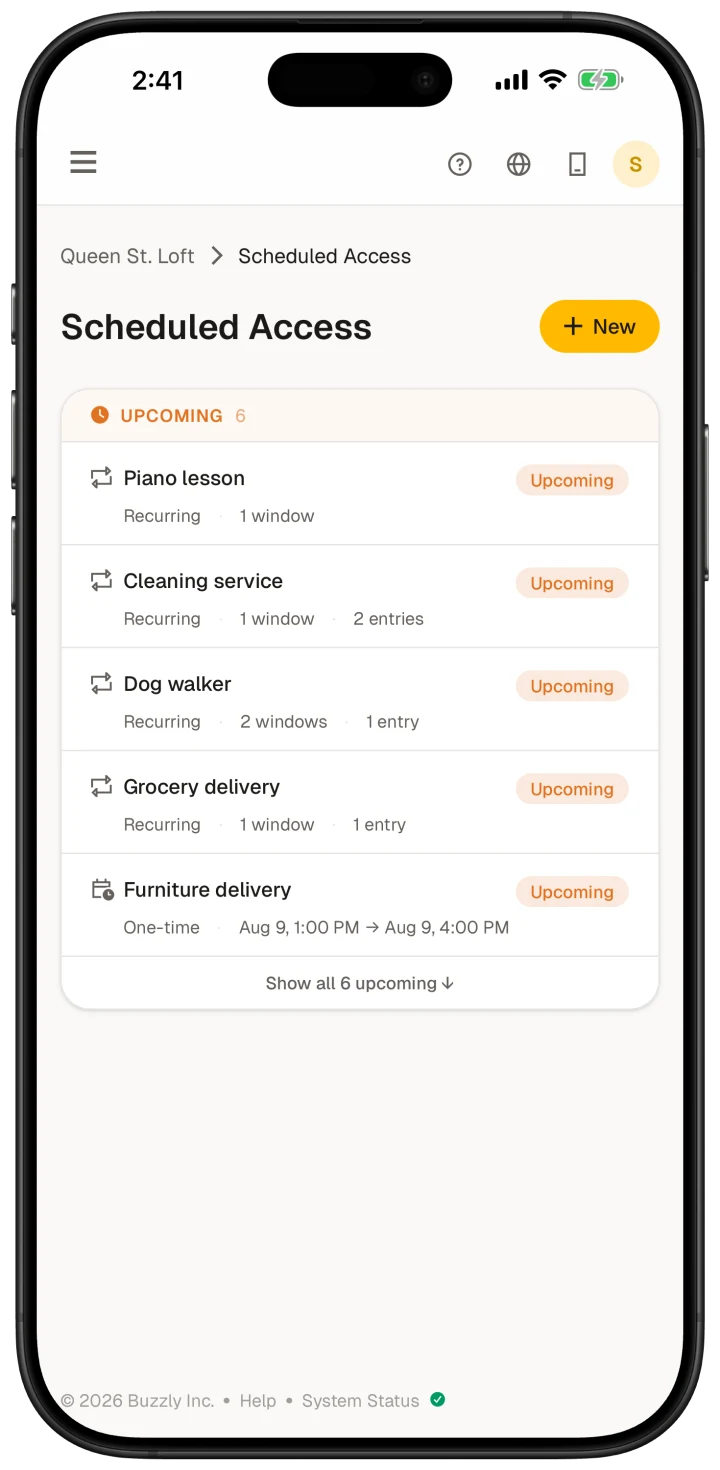
Right on your home screen, a tap away from sending a Virtual Fob or checking who came in.
The whole thing, not a trimmed-down version
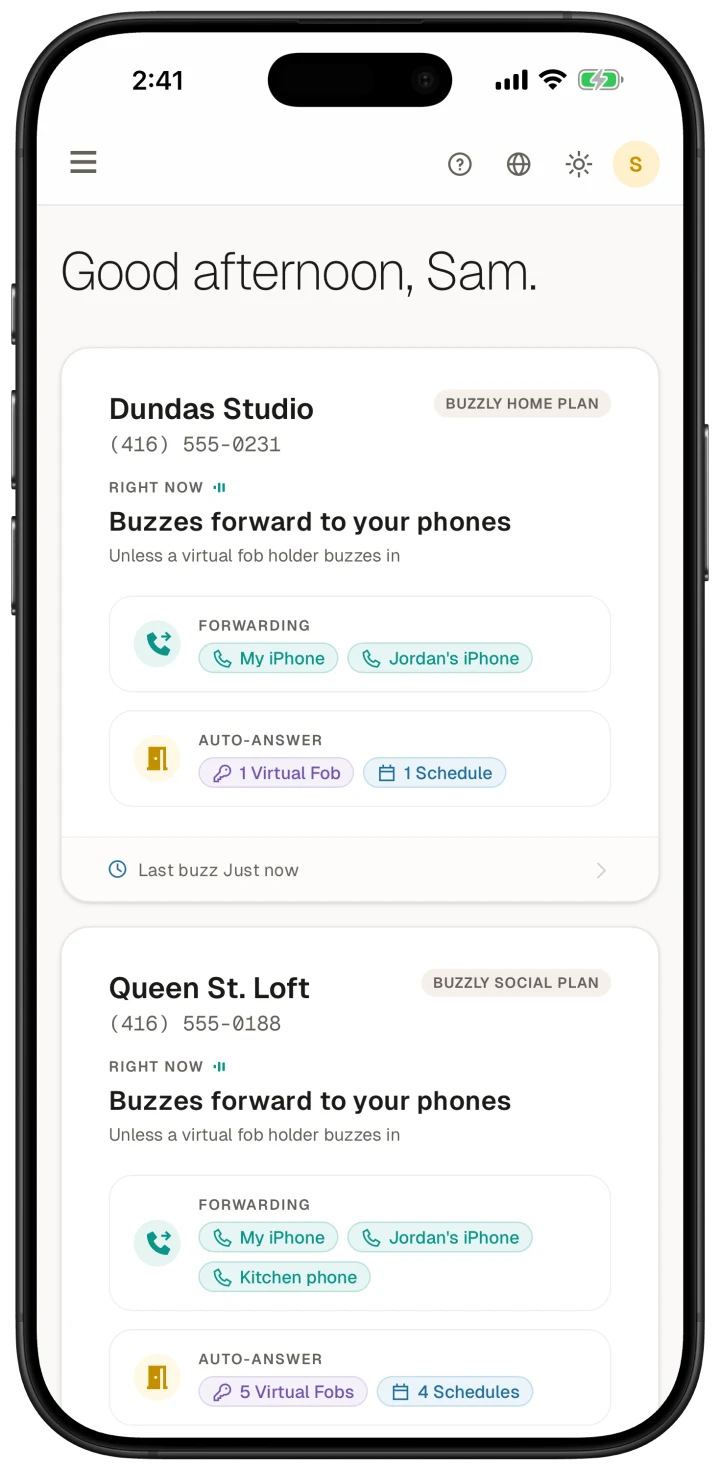
Every forwarding number, Virtual Fob, schedule, and buzz is right here. Same Buzzly, same account, just in your pocket.
Nobody you let in has to download a thing.
Your dog walker, your cleaner, your Airbnb guest and the courier at the door install nothing. A Virtual Fob is a link that opens in whatever browser they already have, and scheduled access asks nothing of them at all.
See how Virtual Fobs workQuestions? We've got answers.
Yes! Buzzly is on the App Store for iPhone and iPad, and on Google Play for Android. You can also use the full dashboard in any browser, so the app is a convenience, not a requirement.
No. It's included with every plan, on iPhone, iPad, and Android. Just sign in with the account you already have and everything is where you left it.
Totally fine, whatever's easiest for you. Your dashboard does everything on the web that it does in the app (except push notifications, of course), and it's built for a phone screen too.
Never. A Virtual Fob is a plain link that opens in any browser, and scheduled access asks nothing of your guest at all.
Yep. Same app, same push notifications, same account. Grab it from Google Play, sign in, and everything is right where you left it.
No. Your buzzer calls your Buzzly Number and we forward it to the phones you've added, so a buzz comes in as a normal phone call, app or not. Virtual Fobs and schedules are what open the door automatically, and you can set those up from the app or the web.
Put Buzzly on your phone.
Sign in and you're set, push notifications and all.
New here? Start with a Buzzly Number, then put us on your home screen.
Get Your Buzzly Number