
Your intercom smarter.
Turn any apartment buzzer into a smart intercom.
Forward calls, share virtual keys, schedule access - nothing to install.

How It Works
Three steps. No screwdriver required.
Step 1: Get your Buzzly Number
Sign up and we assign you a local phone number. Your buzzer dials this number instead of your phone. That one change is the whole install.
Your Buzzly Number
+1 (614) 555‑0199
How a buzz travels
 Buzzly Number
Step 2: Tell your building
Ask your building manager to put your Buzzly Number on the buzzer. Most do it the same day. We draft the email, you copy and send it.
Draft an email
Hi Building Manager,
I'd like to update the phone number on file for my buzzer
Could you please update it to: (614) 555‑0199
Step 3: Adjust your settings and relax
Every phone you add rings at once and the first to answer connects. For guests and regulars, let Virtual Fobs and Scheduled Access answer for you.
Right now
Buzzes forward to your phones
Or answer for me
It’s a typical day.
10:00 AM · TODAY
Your cleaner is at the door.
Scheduled Access
Auto-answer active
Buzzer ringing…
Buzzly answering…
Schedule active: Today 10 AM - 12 PM
Door unlocked
You’re at work.
A quiet notification: your cleaner’s in.
2:15 PM · TODAY
A delivery arrives.
You
Ringing…
Sarah
Ringing…
You were in a meeting.
You didn’t even see it ring.
5:30 PM · TODAY
Your guest lands early.
Virtual Fob
Guest activity
Door unlocked
Virtual Fob expires: tomorrow 11:00 AM
You’re across town at dinner.
Your guest is already on the couch.
Features
One buzzer,
every phone.
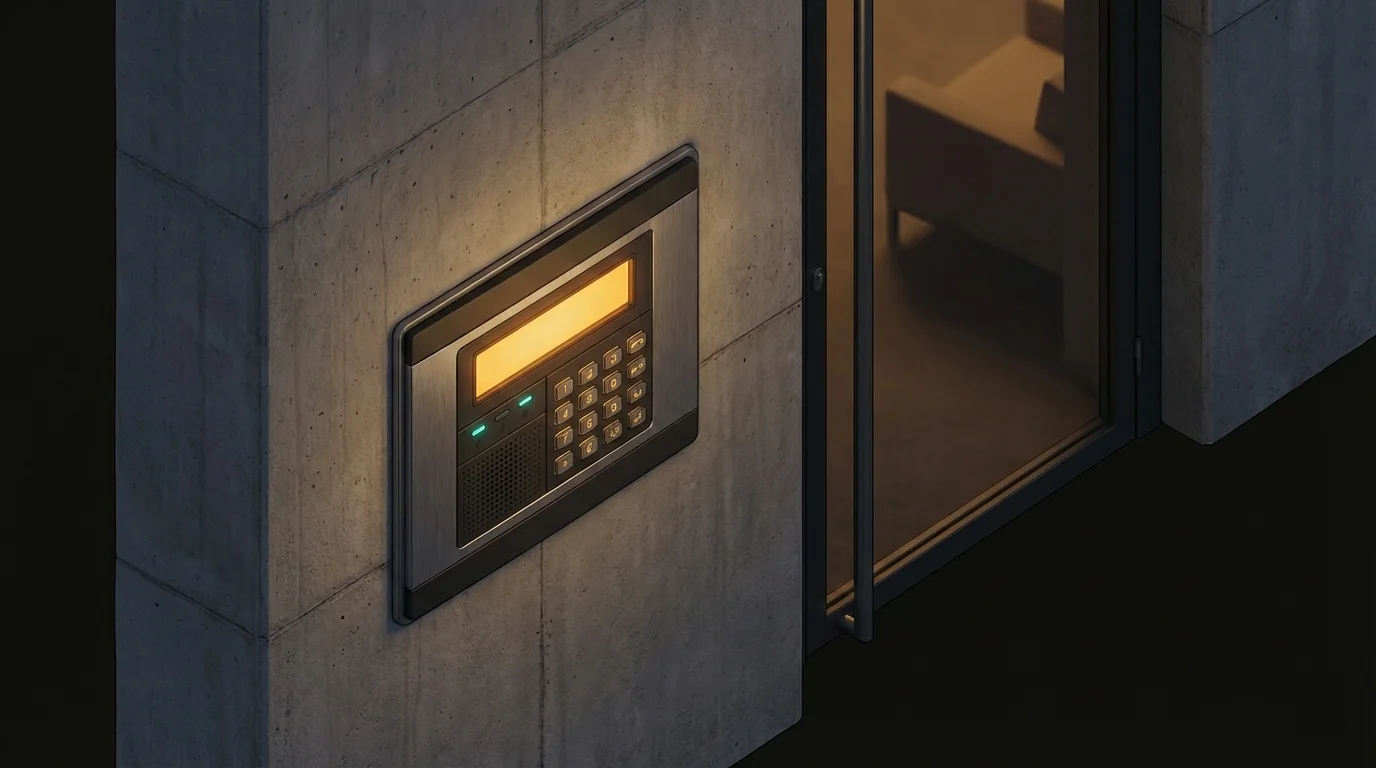
The moment someone enters your code at the buzzer, every phone you've added rings simultaneously. First to pick up connects. Add your partner, roommate, or anyone - change the list anytime.
Virtual Fobs
Send a link that lets guests unlock the door from their phone. Set expiry dates and time restrictions.
Scheduled Access
Auto-answer the buzzer on a schedule. Perfect for cleaners, dog walkers, and recurring visitors.
Buzz Log
Every call, Virtual Fob use, and auto-answer - logged in real time. Know exactly who came through.
Pricing
What's a smarter buzzer cost?
No contracts. No hardware. Monthly or annual. Cancel anytime.
Lite
Forwarding only
$48/year, billed annually
- Your own Buzzly Number
- 50 Buzztime units/mo
- 3 forwarding numbers
- Call log
- -Virtual Fobs
- -Scheduled Access
Virtual Fobs and Scheduled Access require a higher plan.
Get StartedHome
For everyday living
$72/year, billed annually
- Your own Buzzly Number
- 100 Buzztime units/mo
- 5 forwarding numbers
- Virtual Fobs
- Scheduled Access
- Call log
Social
For hosts and busy buildings
$108/year, billed annually
- Your own Buzzly Number
- 200 Buzztime units/mo
- 10 forwarding numbers
- Virtual Fobs
- Scheduled Access
- Call log
Rather pay monthly? No problem. See monthly pricing →
FAQ
Yeah, we get asked this a lot
When you sign up you will get your own personal Buzzly Number. You'll give this number to your building manager and ask them to update the phone number on your buzzer. From then on, all buzzer calls will be sent through Buzzly. Easy, right?
A Buzzly Number is a special, local telephone number and is needed to connect your buzzer to the Buzzly system. Your number is unique to you and not shared with anyone else. This number is only used by your buzzer; set it and forget it.
Buzzly works with any buzzer that normally calls a phone - which is most buzzers in North America. If your buzzer dials a number, Buzzly can work with it.
Buzzly is available in Canada and the United States, except the Yukon Territory, Northwest Territories, Nunavut, and Alaska.
Absolutely not! Buzzly is cloud based and requires no hardware, hammers, drills, wires, or mistakes.
Your building already has the hardware.
You just need the software.
Setup takes just a few minutes.